
Over the years, personal computing has witnessed a wide range of external storage devices — from the humble floppy disks with just 1.2 MB of space to today’s ultra-fast, high-capacity drives that can hold up to 8 TB, with even larger options on the horizon.
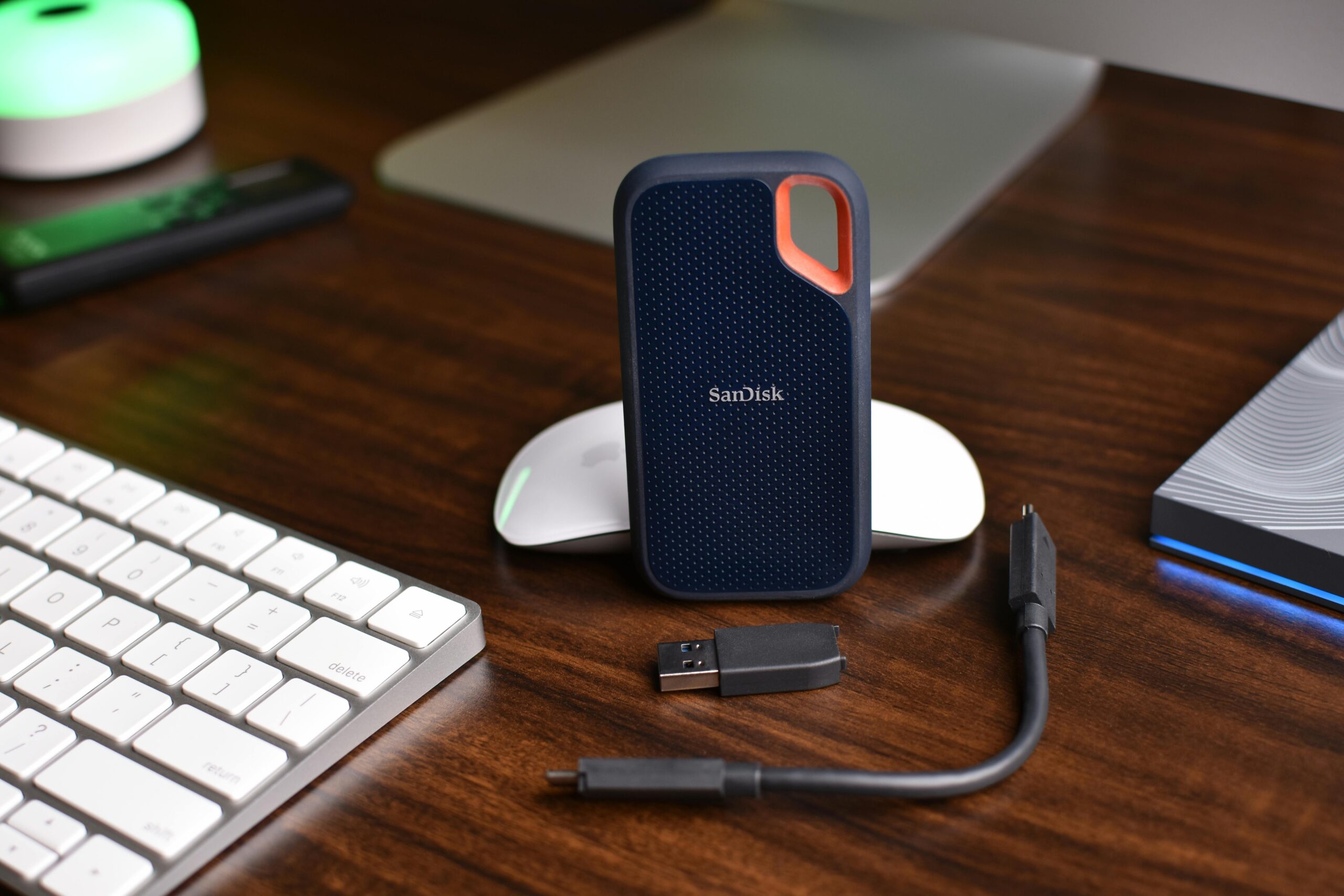
But let’s focus on what matters most today: the current generation of external storage. Among everyday users, external SSDs have long been the go-to solution for portable, high-speed storage. They’re compact, reliable, and significantly faster than traditional hard drives.
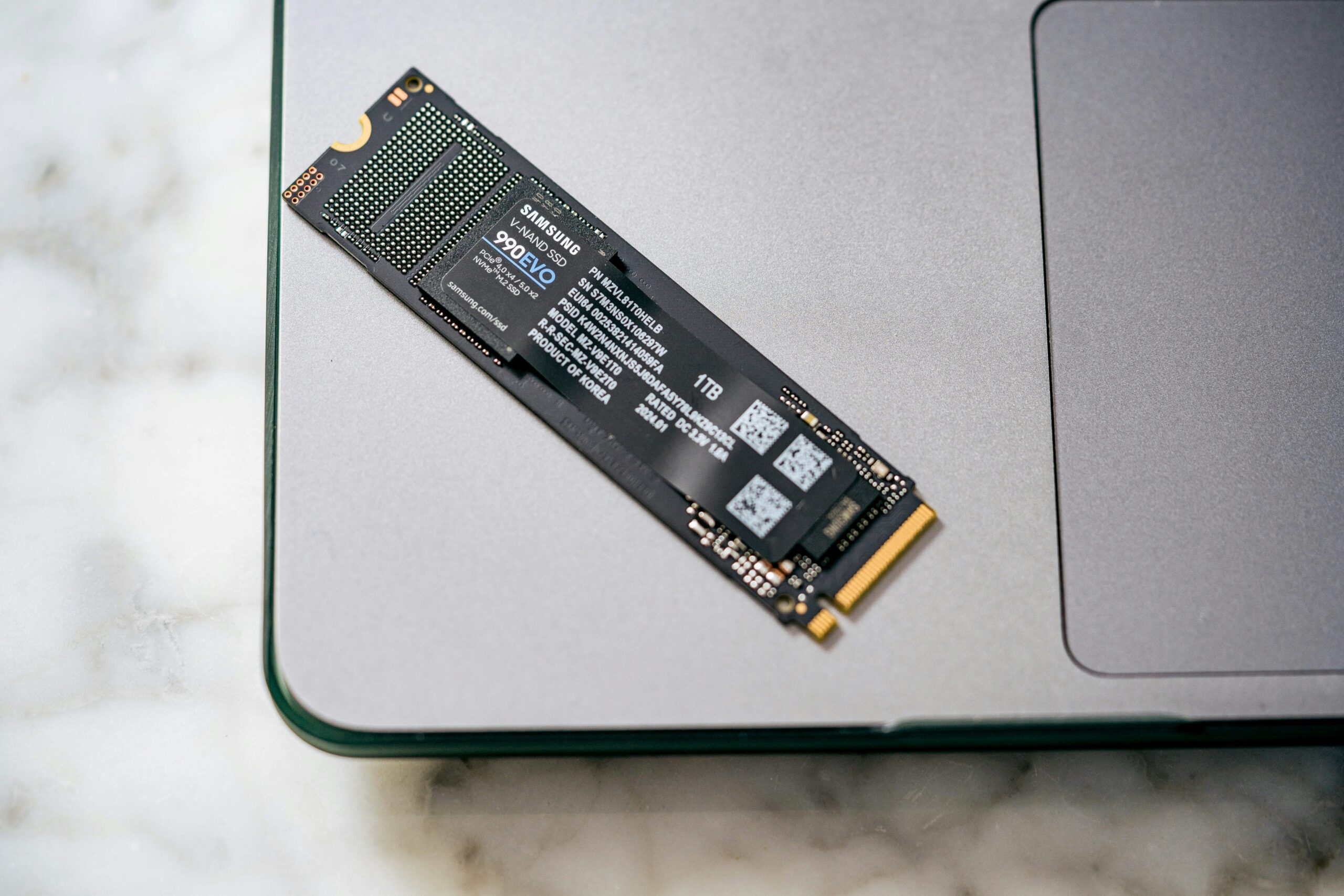
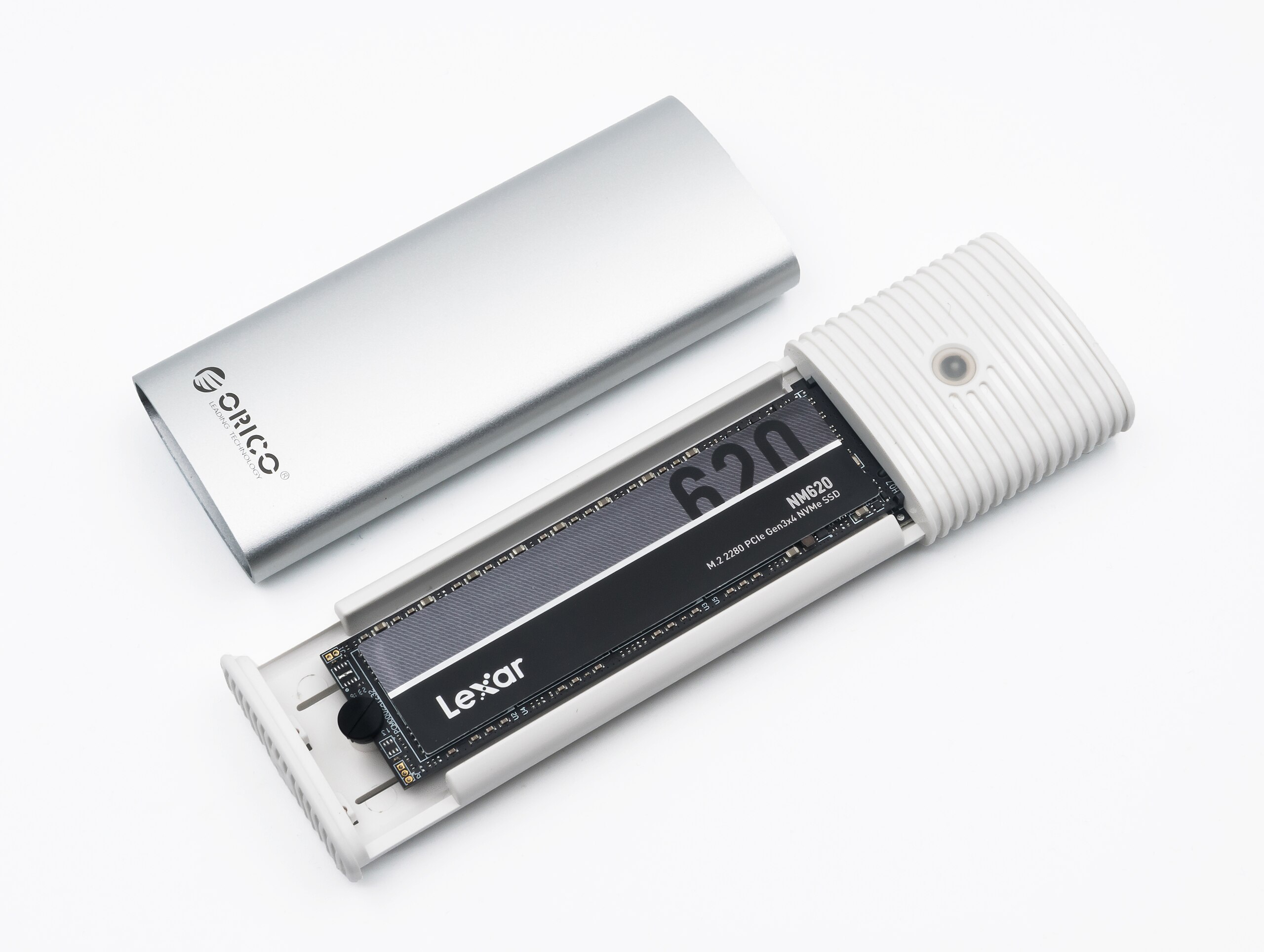
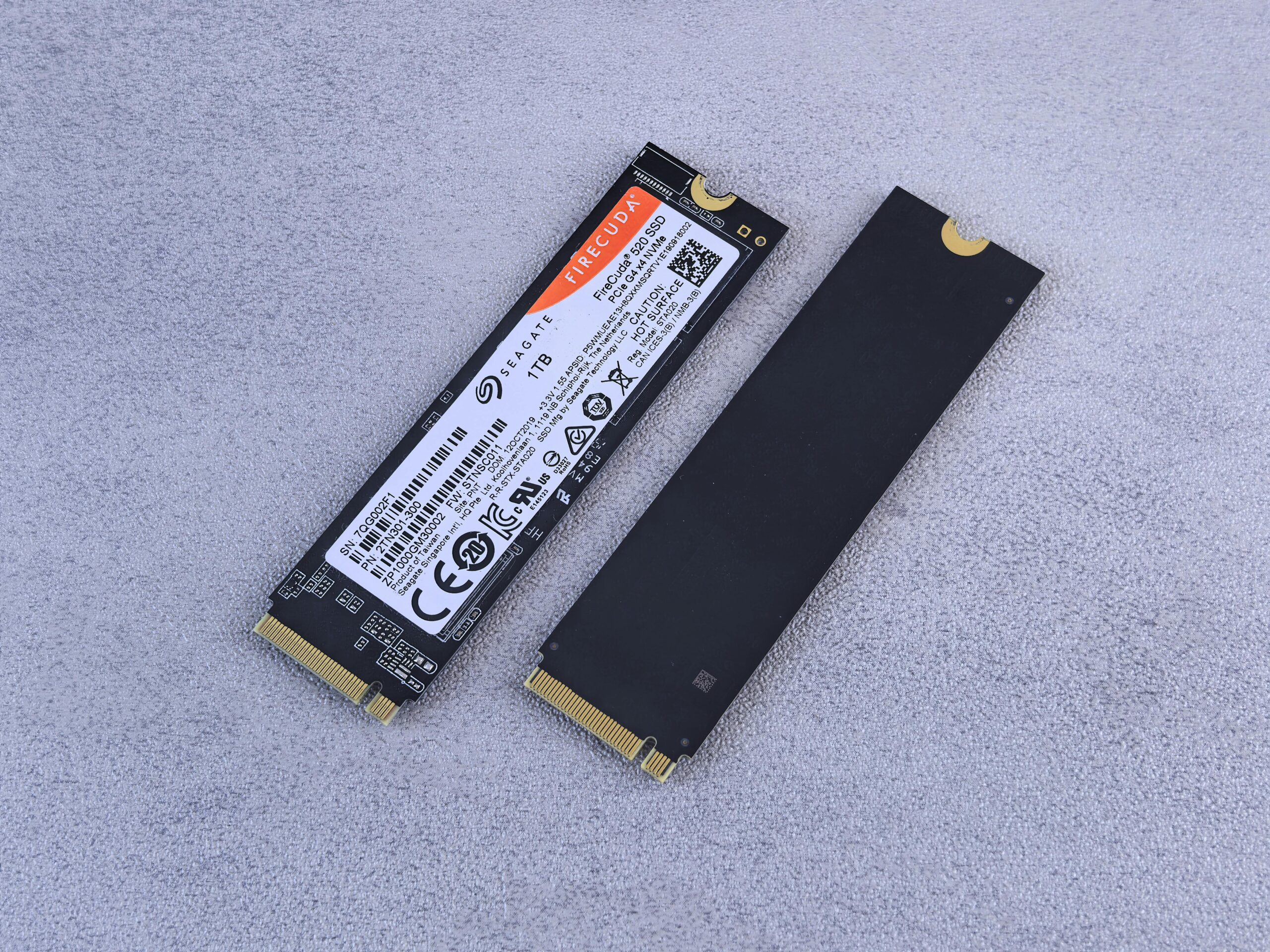
However, in 2025, there’s a better alternative — building your own external drive using an NVMe SSD and a USB enclosure. It’s faster, often cheaper, and offers better flexibility and performance.
Here’s why buying a prebuilt external SSD might no longer be the smartest choice.
⚡ 1. Way Faster Speeds
Most off-the-shelf external SSDs max out at speeds between 500–1,050 MB/s, especially if they’re based on older SATA or NVMe Gen 3 interfaces.
But here’s where things get interesting:
Pair a modern NVMe SSD (Gen 3 or Gen 4) with a USB 3.2 Gen 2 enclosure or a Thunderbolt adapter, and you can hit real-world speeds of 2,000 MB/s or more.
That’s 2 to 4 times faster than your average external SSD — often at a very similar price.
Now for the twist…
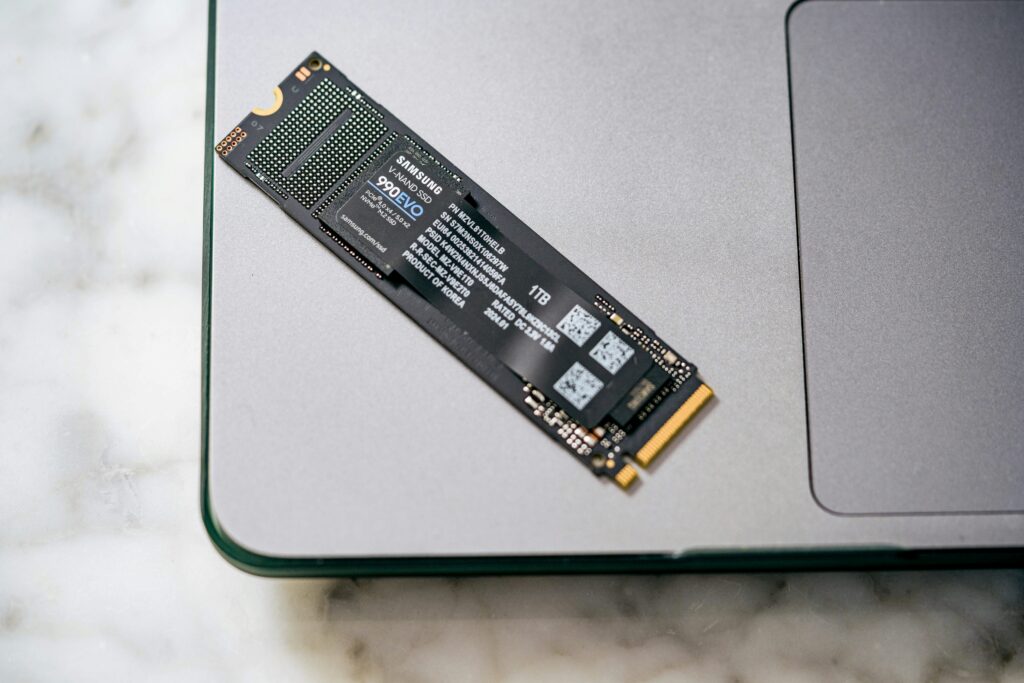
Did you know that cutting-edge M.2 NVMe Gen 5 drives can reach blazing speeds of up to 10,000 MB/s?
The catch?
Most current enclosures and cables can’t fully handle those insane speeds just yet. But with new tech on the horizon, the future of external NVMe storage is looking faster — and more exciting — than ever before.
That said, even today’s USB 3.2 Gen 2 enclosures leave traditional SATA-based SSDs in the dust — making them a seriously smart upgrade right now.
💸 2. Better Performance for Less Money
Here’s how it stacks up:
| Type | Storage | Approx. Price | Speed |
|---|---|---|---|
| External SSD | 1TB | $80–$120 | ~500–1,050 MB/s |
| NVMe Gen 4 + USB 3.2 Enclosure | 1TB | $65–$90 | ~2,000 MB/s |
You’re getting double the speed for less money, especially during sales on Amazon or Best Buy.
🧠 3. Upgrade-Friendly & Modular
When you build your own:
- Want more storage? Swap in a bigger SSD.
- SSD fails? Replace it — no need to toss the whole unit.
- Enclosure is reusable with future drives.
- comes with the standard warranty of the NVMe drive
You basically future-proof your portable storage.
🔧 4. Setup Is Stupid Simple
Even if you’re not a techie, this takes 2–3 minutes tops:
Slide open the enclosure
Plug in the SSD
Screw it in
Snap it shut
Plug it into your PC or Mac
Done. No software. No formatting headaches.
🧊 5. Looks Clean, Stays Cool
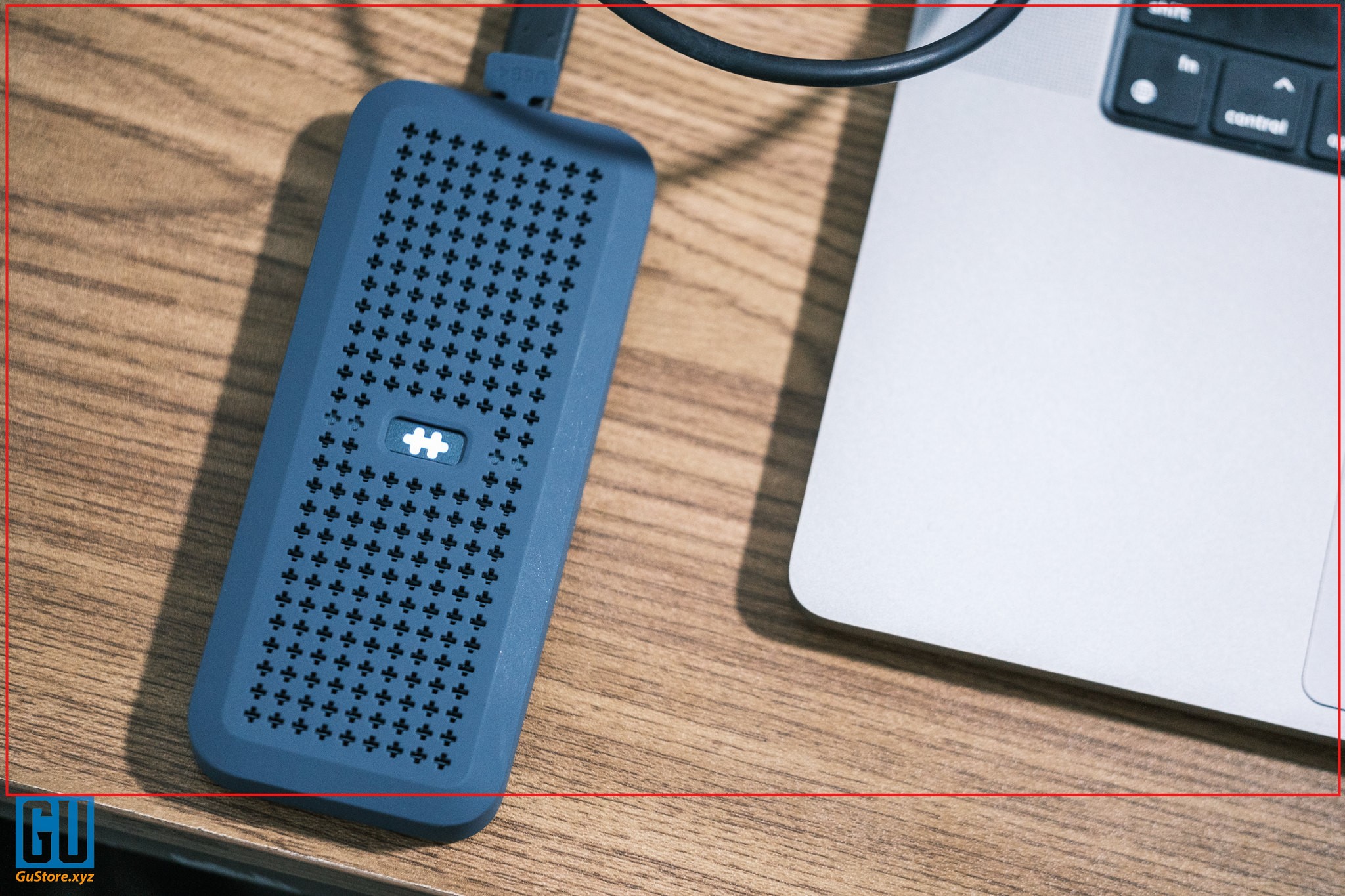
Modern NVMe enclosures are sleek and minimal — most are aluminum for better cooling, and some include heatsinks or thermal pads to keep speeds stable.
Some even feature status LEDs or tool-free assembly.
🎬 Final Verdict: Stop Buying External SSDs
Unless you’re dead set on plug-and-play with zero setup, there’s no real reason to buy a prebuilt SSD anymore.
- ✅ Faster speeds
- ✅ Lower price
- ✅ Upgradeable
- ✅ Sleeker build
- ✅ Same portability
So the next time you’re browsing for a 1TB external SSD — consider going the NVMe + enclosure route instead. Your wallet (and transfer speeds) will thank you.
🛒 Quick Picks to Get Started
🔹 NVMe SSDs:
- WD Black SN770 (Gen 4) – https://amzn.to/447phA8
- Crucial P3 Plus (Gen 4) – https://amzn.to/3YdmL7C
🔹 USB Enclosures:
- Sabrent Tool-Free USB 3.2 Gen 2 Enclosure – https://amzn.to/4lL0wjq
- Orico Aluminum NVMe Enclosure – https://amzn.to/42LKKfw
- Ugreen M.2 USB-C Gen 2 Enclosure – https://amzn.to/3S8s0lm
All available on Amazon, Newegg, or B&H Photo.